Booklists "Free" Link Extractor

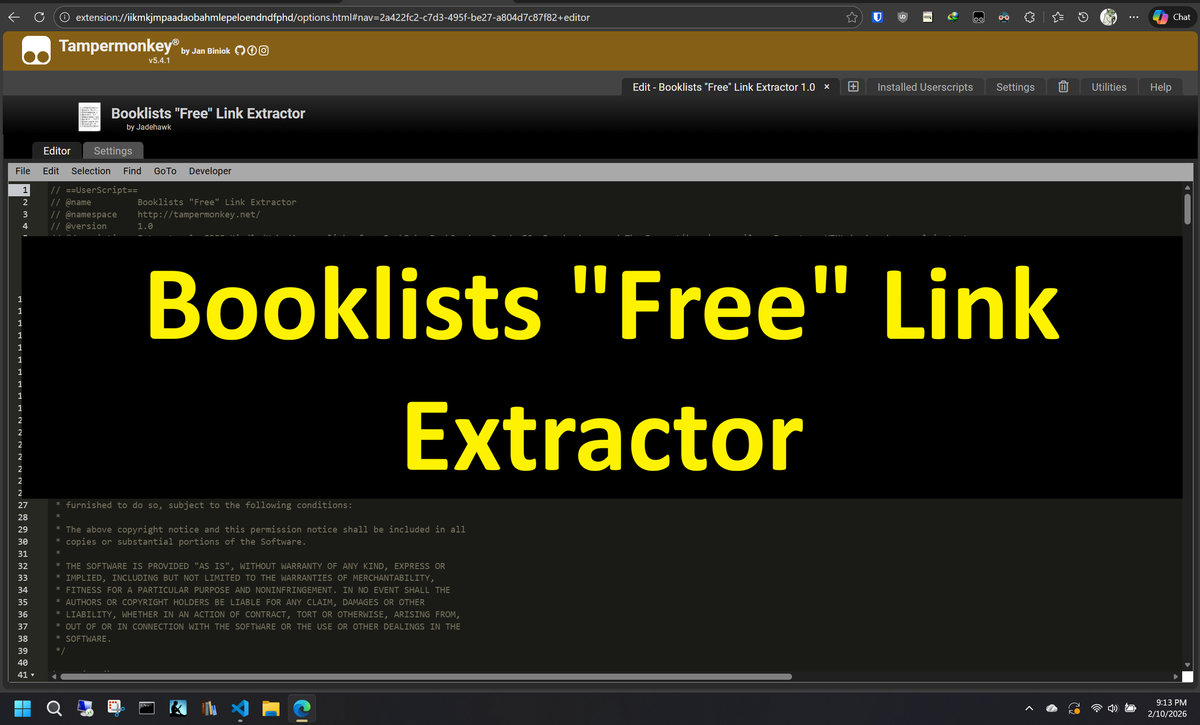
Are you, like me, subscribed to a few booklist that send you daily emails with links for FREE and discounted eBooks and it takes a few minutes to go thru all your lists to find just the "FREE" links.
How about a way to click one button when you are on the email and automatically extract only the free links and ignore the rest.
I have a solution for you, but it involves '2' browser extension and a script, this has only been tested in an Edge browser, since you need to visit the extension store.
Supported Lists:
Supported Email Providers:
- Outlook
- Gmail
- ProtonMail
Requirements:
Edge Browser (Might work on other Chromium browsers but I do not use them).
Procedure:
Step 01:
Install both extensions on the browser.
Step 02:
Click on the "TamperMonkey" extension icon and select "Create a new script..."
Step 03:
Delete the Tampermonkey's script template and paste the JavaScript code (Found on step 04) in the text editor window, and save the script.
Step 04:
JavaScript Code:
Step 05:
Turn "ON" or Verify script is "ON", when navigating to supported email provider (Outlook, Gmail or ProtonMail) you will see a new "Auto Extract" button on the screen.
Step 06:
Open each email individually and click on the "Auto Extract" button, each time you do, you will see a popup with the detected email list name, amount of "FREE" links detected, and "TOTAL" count of all links detected.
Step 07:
Let's save the links to a local "TXT" file that we can import with the second extension we installed. In the event you have more that "50" links extracted, the script will split total links in batches of "50".
Right click on the "Auto Extract" button, chose "Save as TEXT" and a new file or files will be saved to the "downloads" folder.
The filenames will be: "freebooks - MM-DD-YYYY - partX.txt
You will be prompted to delete the stored (browser storage) links, if you decide to delete them later you can do so by right clicking "Auto Extract" button and selecting "Clear Extracted Links".
Step 08:
Time to load all this extracted links into the browser "50" links at a time.
Click on the "Bulk URL Opener - Open Multiple URLs or Search Queries" Extension, import "one" of the saved TXT files and click on "Open All", now you can "Relax & Wait" depending on your internet speed soon enough all links will be opened for you.
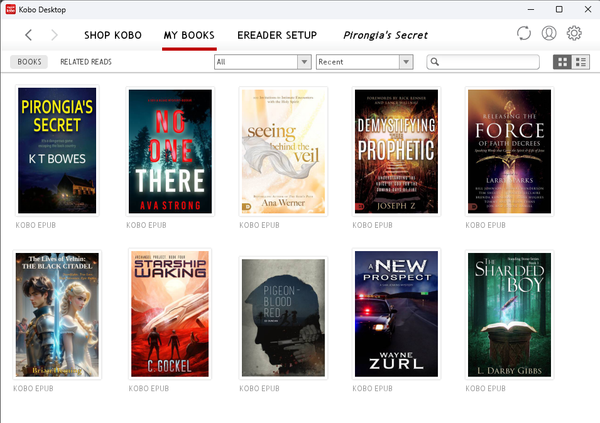
you can now add the free books to your Amazon or Kobo accounts to read them later.
Conclusion:
That is all that is needed, simple and quick. If I missed something, or you want more info, please leave me a comment and I'll amend instruction as needed.
If you found this info useful, can you be so kind you can take a look at my YouTube Channel and subscribe as a way to help my small channel grow.
Thank you!.


Also have a BuyMeCoffee Link if so inclined.